
1. Introduction
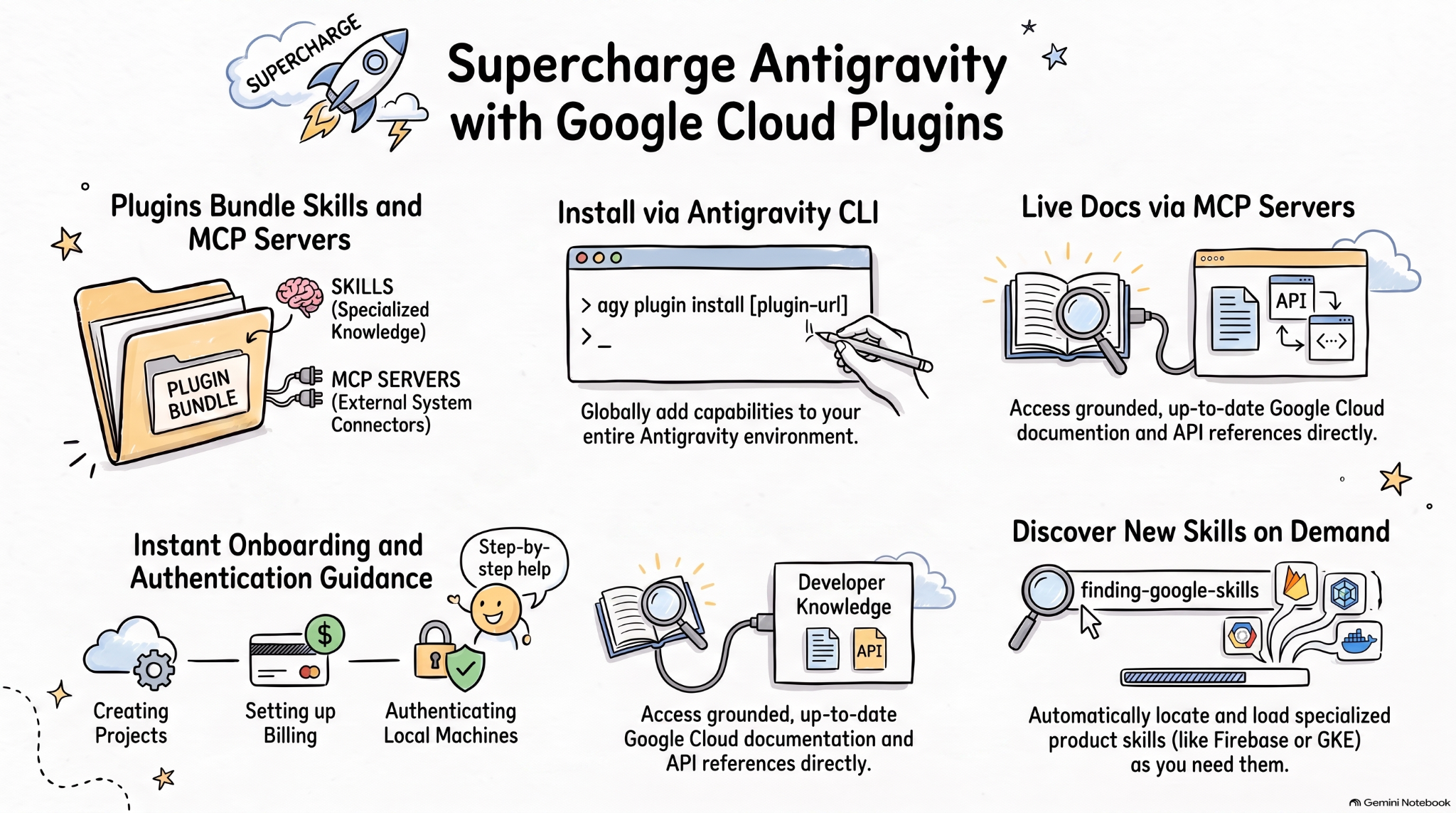
Agent skills are a lightweight, open format for extending AI agent capabilities with specialized knowledge and workflows. MCP is a standard for connecting AI applications to external systems.
Agent plugins specification is an open, vendor-neutral specification for packaging agent skills and MCP servers into portable plugins.
Google Cloud plugins for AI coding agents package relevant Google Cloud skills and MCP servers into installable bundles for more effective AI agents on Google Cloud.
In this codelab, you will learn about one of those plugins, Google Cloud Developer plugin, and how to install and use this plugin in Antigravity.
What you'll do
- Understand agent plugins.
- Install and explore the Google Cloud Developer plugin in Antigravity.
- Test skills and MCP servers installed by the Google Cloud Developer plugin with a few prompts.
What you'll need
- A web browser such as Chrome.
- A Google Cloud project.
- Antigravity and Antigravity CLI installed on your local machine.
2. Explore Agent Plugins
Agent plugins is a portable package format to bundle agent skills and MCP servers into a directory that looks like this:
my-plugin/
├── plugin.json
├── skills/
│   └── my-skill/
│       ├── SKILL.md
│       ├── scripts/
│       └── references/
├── mcp.json
└── com.example.client/
plugin.jsonidentifies the plugin.skills/contains agent skills.mcp.jsondescribes MCP servers.- Reverse-domain extension namespaces let individual clients add custom behavior.
Google Agent Skills repository contains agent skills for Google products and technologies, including Google Cloud. It also contains plugins that bundle agent skills and MCP servers into installable bundles such as Google Cloud Developer plugin.
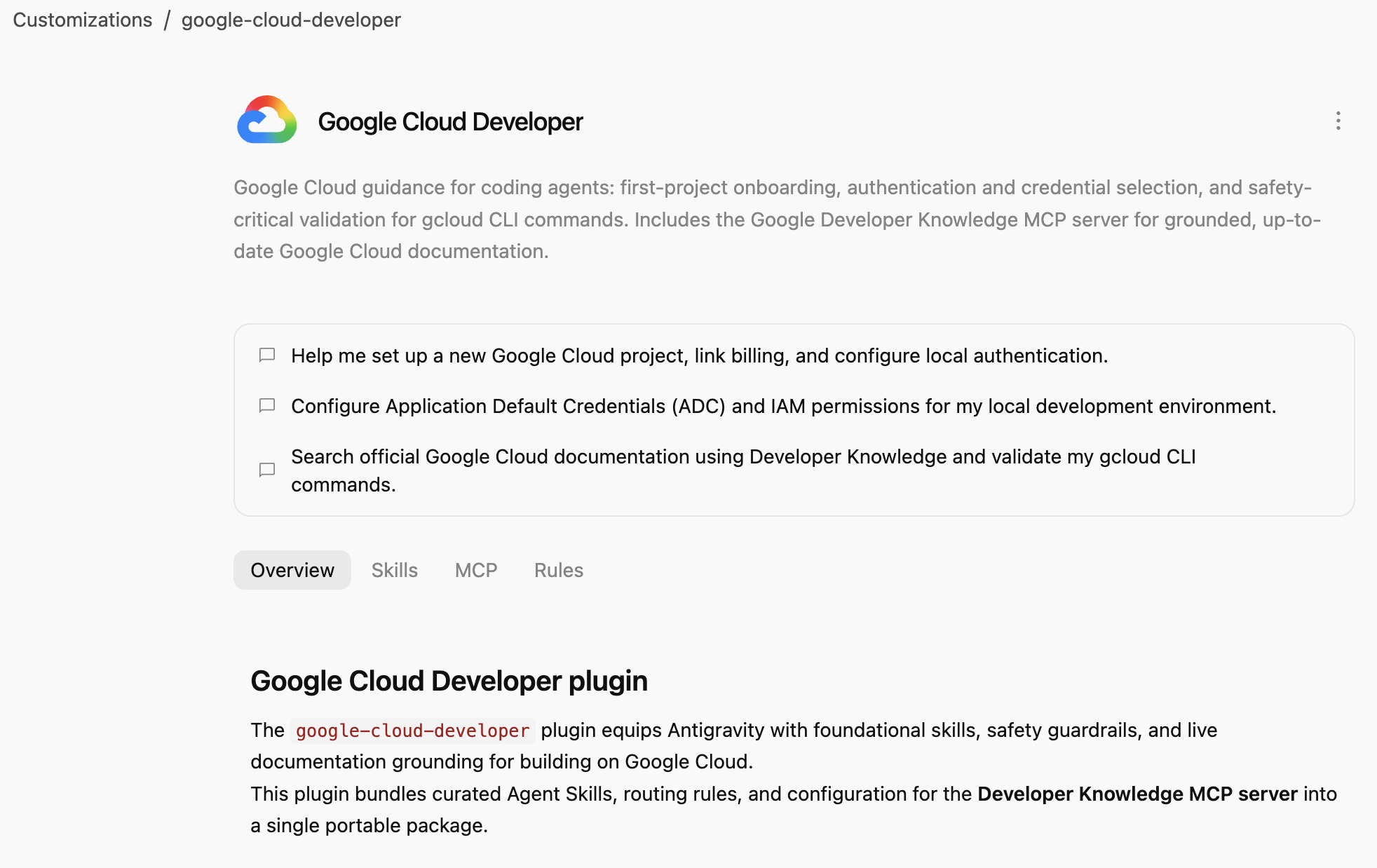
Google Cloud Developer plugin provides Google Cloud guidance for coding agents: first-project onboarding, authentication and credential selection, and safety-critical validation for gcloud CLI commands. Includes the Google Developer Knowledge MCP server for grounded, up-to-date Google Cloud documentation.
3. Install Google Cloud Developer Plugin
Antigravity CLI is the easiest way to install agent plugins for the whole Antigravity ecosystem (Antigravity, Antigravity CLI, Antigravity IDE).
Let's install the Google Cloud Developer plugin in Antigravity CLI by pointing to its path:
agy plugin install google-cloud-developer
You should see the plugin installed from the Antigravity Marketplace :
Installed plugin "google-cloud-developer" from antigravity-plugins-official
4. Explore Google Cloud Developer Plugin
Let's now explore the Google Cloud Developer plugin.
First, check that the plugin is listed in Antigravity CLI:
agy plugin list
You should see the plugin with some skills, a rule, and an MCP server:
...
- google-cloud-developer (enabled, 1.1.10)
    Source:     antigravity-plugins-official
    Components: 5 skills, 1 rule, 1 MCP server
...
Antigravity CLI installs plugins globally in the .gemini/config/plugins/ folder. This means the plugin is available to Antigravity, Antigravity CLI, and Antigravity IDE.
In the .gemini/config/plugins/google-cloud-developer folder, you will find the Google Cloud Developer plugin with plugin manifest file, skills, and an MCP server:
google-cloud-developer/
├── ...
├── skills/
│   ├── finding-google-skills/
│   ├── gcloud/
│   ├── google-cloud-recipe-auth/
│   ├── google-cloud-recipe-onboarding/
│   └── retrieving-developer-knowledge/
├── mcp.json
└── plugin.json
You'll find skills on first-project onboarding, authentication and credential selection, and safety-critical validation for gcloud CLI commands. It also includes the Google Developer Knowledge MCP server for grounded, up-to-date Google Cloud documentation.
You can also switch to Antigravity (standalone app) and ask in a chat which skills are installed:
Which Google Cloud skills are available?
It should list the built-in Antigravity skills but also skills from the Google Cloud Developer plugin:
  ### Bundled Google Cloud Skills

  • **`finding-google-skills`**: Guides Google Cloud architectural choices, service trade-offs, and dynamically retrieves specialized skills on demand from the
  official Google skill catalog.
  • **`gcloud`**: Provides validation, safety guardrails, syntax checks, and data reduction for executing or planning gcloud CLI commands.
  • **`google-cloud-recipe-auth`**: Guidance on IAM, authentication, authorization, service accounts, and Application Default Credentials (ADC).
  • **`google-cloud-recipe-onboarding`**: Guides initial Google Cloud project creation, billing configuration, and deploying a first resource.
  • **`retrieving-developer-knowledge`**: Searches and synthesizes official Google Cloud, Firebase, and developer platform documentation.
  ──────
  ### On-Demand Catalog Skills

  Through finding-google-skills, additional specialized skills from the Google Cloud skills catalog https://github.com/google/skills/tree/main/skills/cloud can
  be fetched on demand during our session without requiring permanent installation:

  • Product Basics: <product>-basics (e.g., Cloud Run, Cloud SQL, BigQuery, Spanner, Firestore, Storage)
  • GKE: gke-* (networking, storage, autoscaling, troubleshooting, AI inference)
  • AI & Agent Platforms: agent-platform-*, gemini-*, genkit-*
  • Architecture & Frameworks: google-cloud-solution-*, google-cloud-waf-* (Well-Architected Framework)
  • Observability: cloud-logging-*, cloud-monitoring-*
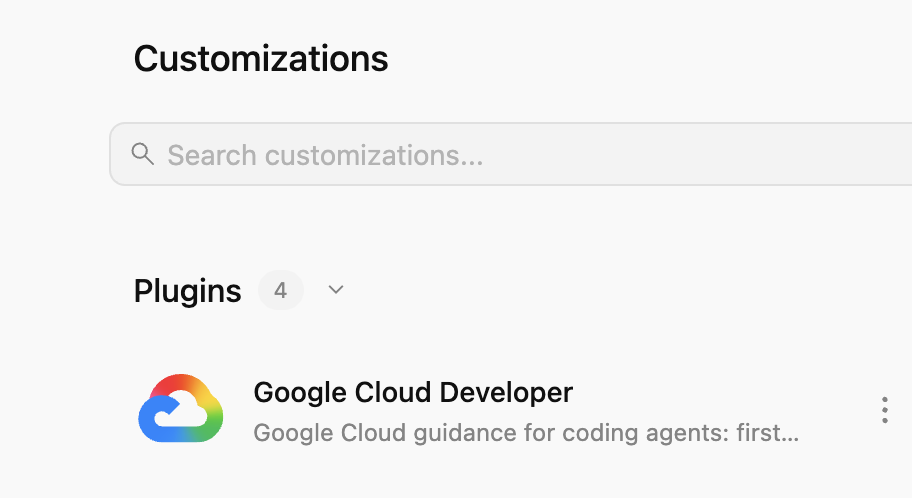
Additionally, go to Customizations tab on the left, under Installed, you should see the Google Cloud Developer plugin:
If you click on the plugin, you can see the list of skills, MCP servers, and rules installed:
5. Exercise Google Cloud Developer Plugin
Enable Developer Knowledge API
First, make sure the Developer Knowledge API is enabled in your Google Cloud project. This is needed for the Developer Knowledge MCP server:
- In the Google Cloud Console, search for Developer Knowledge API
- In the Developer Knowledge API page, click Enable API.
Let's now try some prompts to see how the Google Cloud Developer plugin helps in different scenarios.
You can try these prompts in Antigravity or Antigravity CLI, as the plugin is available globally.
Onboarding
If you're new to Google Cloud, you can start by asking a basic onboarding question:
I'm new to Google Cloud. How can I create a new project with billing enabled?
You should see the google-cloud-recipe-onboarding skill activated:
Worked for 1m ˅

Explored 1 file ˅

> Analyzed google-cloud-recipe-onboarding/SKILL.md
You should get a reply back with step by step instructions:
To get started with Google Cloud, you will need an active Google Cloud account and an authorized terminal session:

Google Cloud Account & Console: If you haven't already, sign up and access the Google Cloud Console where you can manage accounts, projects, and set up a Cloud Billing account (new accounts are eligible for the $300 Free Trial).
...
Authentication
Try asking questions around authentication:
How can I authenticate my local machine with Google Cloud?
You should see the google-cloud-recipe-auth skill activated:
Worked for 1m ˅

Explored 1 file ˅

> Analyzed google-cloud-recipe-auth/SKILL.md
You should get commands to authenticate:
To authenticate your local machine with Google Cloud, there are two primary methods depending on whether you want to use the CLI or run code/client libraries locally:

1. Authenticate the CLI (gcloud)
Use this to run gcloud, bq, and gsutil management commands in your terminal:

bash


gcloud auth login
This opens a web browser asking you to log in with your Google Account and grant permissions.
If you are on a remote server without a web browser, use:
bash

...
Developer Knowledge
You can also ask questions to be answered from the official documentation.
For example:
What's the difference between Cloud Run and GKE according to the official docs?
You'll see the relevant skill activated which in turn uses the developer-knowledge MCP server:
Exploring 2 files ˅

* Analyzed retrieving-developer-knowledge/SKILL.md
* Analyzed answer_query.json

MCP Tool: developer-knowledge / answer_query ˅

Tool arguments
```json
{
  "query": "What is the difference between Cloud Run and Google Kubernetes Engine (GKE) according to official Google Cloud documentation?"
}
Find other Google skills
Last but not least, the Google Cloud Developer plugin can discover and load skills on demand.
For example, you can ask:
Explain what steps are needed to start working with Firebase.
You should see that finding-google-skills skill is activated and it finds and installs the relevant Firebase skill:
Explored 1 file ˅

* Analyzed finding-google-skills/SKILL.md

Ran `curl -sS https://raw.githubusercontent.com/google/skills/main/index.json | jq -r '.skills[ >`

Exploring 3 files, 2 searches ˅

* Reading skills catalog
* Searched firebase
* Fetching Firebase skill
6. Cleanup
Disable the Developer Knowledge API:
- In the Google Cloud Console, search for Developer Knowledge API
- In the Developer Knowledge API page, click Manage and then Disable API.
Uninstall the Google Cloud Developer plugin with Antigravity CLI:
agy plugin uninstall google-cloud-developer
Uninstalled plugin "google-cloud-developer"
7. Congratulations
Congratulations! You have successfully installed and used Google Cloud Developer plugin in Antigravity. To learn more, check out the following resources: