
1. Overview
In this lab, you will explore the following tasks:
- 1️⃣ Extract knowledge from raw, unstructured documents
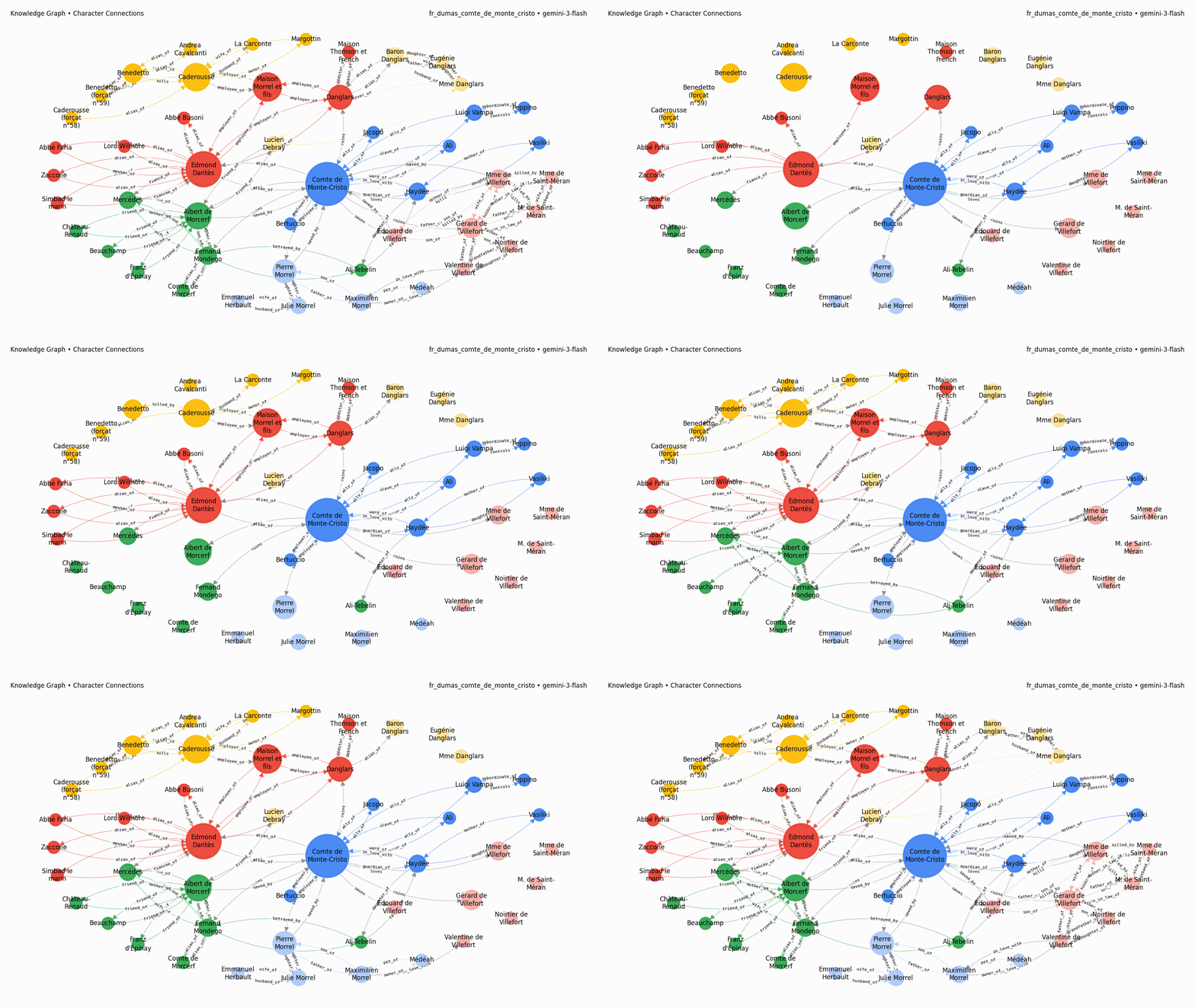
- 2️⃣ Generate and visualize knowledge graphs for book narratives
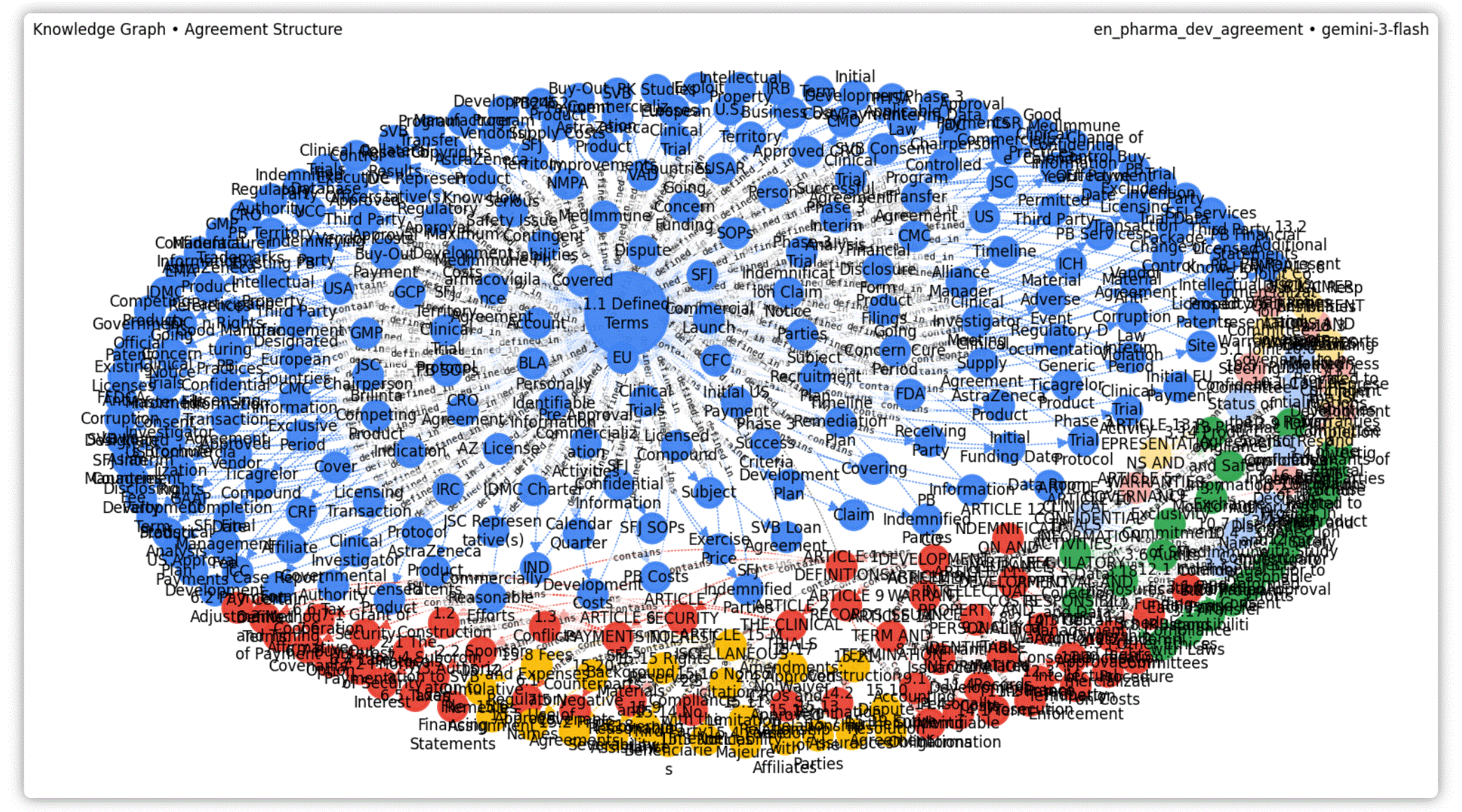
- 3️⃣ Generalize building knowledge graphs to other domains
Here is an example of what you'll achieve:
What you'll learn
- How to prototype with open prompts to develop intuition
- How to craft increasingly specific prompts using a tabular-extraction strategy
- How to structure inputs to move towards production-ready and generalizable code
- How to structure and optimize outputs for faster and cheaper generations
- How to add data visualization for easier interpretation of responses
- How to generalize to other domains
What you'll need
- Familiarity running Python in a notebook (in Colab or any other Jupyter environment)
- A Google Cloud project or a Gemini API key with billing enabled
ℹ️ The total cost to run the lab from start to finish is less than 3 USD.




Let's get started...
2. Before you begin
To use the Gemini API, you have two main options:
- Via Agent Platform (formerly Vertex AI) with a Google Cloud project
- Via Google AI Studio with a Gemini API key
🛠️ Option 1 - Gemini API via Agent Platform
Requirements:
- A Google Cloud project
- The Agent Platform API must be enabled for this project
🛠️ Option 2 - Gemini API via Google AI Studio
Requirement:
- A Gemini API key
Learn more about getting a Gemini API key from Google AI Studio.
3. Run the notebook
Choose your preferred tool to open the notebook:
🧰 Tool A - Open the notebook in Colab
🧰 Tool B - Open the notebook in Colab Enterprise or Workbench
💡 This might be preferred if you already have a Google Cloud project configured with a Colab Enterprise or Workbench instance.
🧰 Tool C - Get the notebook from GitHub and run it in your own environment
⚠️ You will need to get the notebook from GitHub (or clone the repository) and run it in your own Jupyter environment.
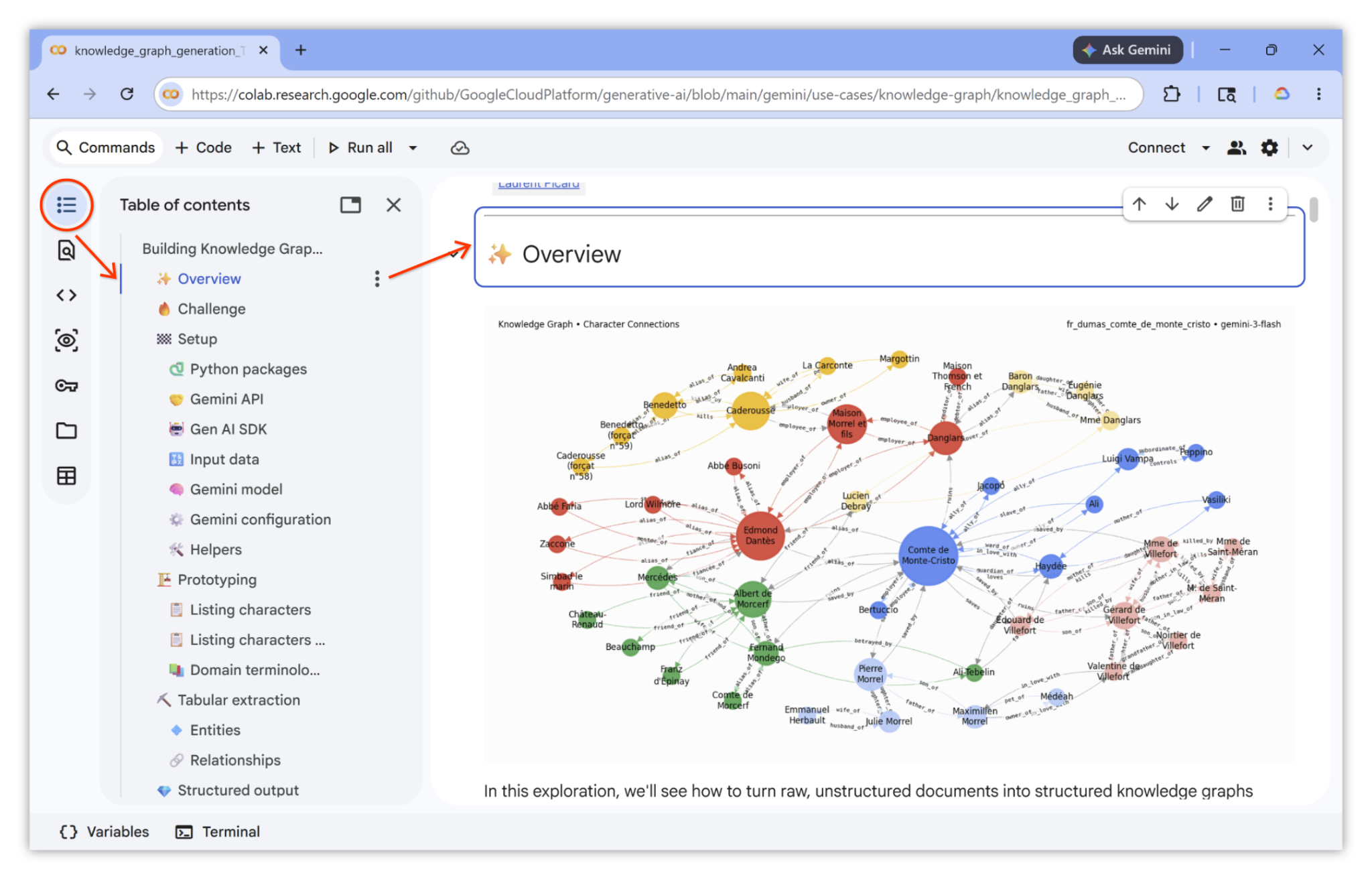
🗺️ Notebook table of contents
For easier navigation, make sure to expand and use the table of contents. Example:
🏁 Run the notebook
You are ready. You can now follow and run the notebook. Have fun!...
4. Congratulations!
Congratulations on completing the codelab!
Learn more
- Complete the Multimodal Video Transcription with Gemini codelab.
- Explore additional use cases in the Agent Platform Prompt Gallery.
- Stay updated with the Agent Platform Release Notes.