

1. 简介
在此 Codelab 中,您将使用 Gemini 3 和 Gemini CLI(我们的命令行编码智能体)构建一款三消街机游戏 CloudCrush。该游戏将使用 Go 编写,并使用 Cloud Run 部署到 Google Cloud。
此 Codelab 的主要目标是培养您协调代理来为您构建应用(而不是手动编写代码)的技能。即使您之前未使用过这些技术,也可以将所有开发任务委托给 Gemini CLI。
本 Codelab 适合希望学习智能体编码工作流的中级开发者。本实验的预计总时长为 60 分钟。本 Codelab 中创建的资源采用基于用量的价格。
您将执行的操作
- 使用 Go 和 Ebitengine 框架构建核心的三消游戏逻辑。
- 使用 WebAssembly (WASM) 调整游戏,使其可在网络浏览器中运行
- 将游戏及其高分 API 部署到 Cloud Run。
- 编排用于测试和代码审核的专业子代理和扩展程序
前提条件
- 具备编程语言的基础知识
- 具备云基础设施方面的基础知识
- 对 Google Cloud 控制台有基本的了解
学习内容
- 如何与编码智能体协作构建复杂的应用
- 如何在多模态情境中使用 Gemini
- 如何使用 Cloud Run 将应用部署到云端
所需条件
本研讨会完全可以在云端使用 Cloud Shell 完成,但如果您想使用本地机器,则需要满足以下条件:
- Gemini CLI。按照 geminicli.com 中的说明下载并安装该工具
- Go 工具链(版本 1.26 或更高版本)。按照 go.dev 中的说明下载并安装该工具
- 用于与 Google Cloud 交互的 gcloud CLI。按照 Google Cloud 文档中的说明下载并安装该工具
- Google Cloud 结算账号(用于将游戏部署到云端)
关键技术
您可以在这里找到有关我们将使用的技术的更多信息:
- Gemini CLI:开发代理
- Gemini 3:我们最新的前沿大语言模型
2. 环境设置
项目设置
创建 Google Cloud 项目
- 在 Google Cloud 控制台的项目选择器页面上,选择或创建一个 Google Cloud 项目。
- 确保您的 Cloud 项目已启用结算功能。了解如何检查项目是否已启用结算功能。
启动 Cloud Shell
Cloud Shell 是在 Google Cloud 中运行的命令行环境,预加载了必要的工具。
- 点击 Google Cloud 控制台顶部的激活 Cloud Shell。
- 连接到 Cloud Shell 后,验证您的身份验证:
gcloud auth list - 确认您的项目已配置:
gcloud config get project - 如果项目未按预期设置,请进行设置:
export PROJECT_ID=<YOUR_PROJECT_ID>
gcloud config set project $PROJECT_ID
3. 项目设置
创建项目目录
首先,我们需要为您的项目创建一个新目录。在终端中,运行以下命令:
mkdir -p codelab-match3 && cd codelab-match3
启动 Gemini CLI
首先,我们来检查 Gemini CLI 是否已正确安装。在终端中运行以下命令:
gemini --version
您应会看到类似下图的界面:
$ gemini --version
0.37.1
现在,使用命令 gemini 启动 Gemini CLI:
gemini
您应该会看到 Gemini CLI 提示:
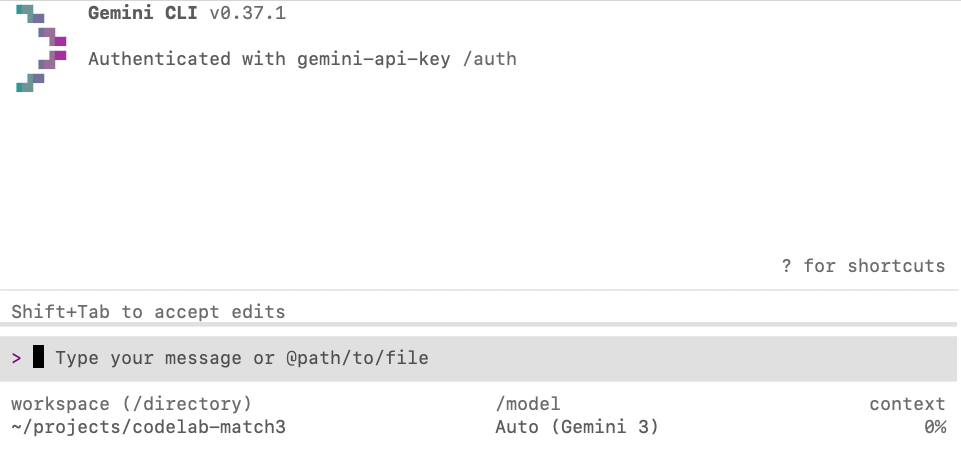
如果您看到 Gemini CLI 提示,则表示一切就绪。否则,请仔细检查您是否遗漏了任何之前的设置步骤。
启用模型转向
模型引导是一项功能,可让您在代理仍在处理给定任务时向其添加更多上下文。当您发现代理朝错误的方向发展时,可以使用它来纠正代理;添加澄清信息以改进代理回答;或添加原始提示中遗漏的次要功能。
如需启用模型引导,请使用 /settings 命令打开设置菜单,然后在搜索框中输入“引导”。然后将“启用模型转向”选项设置为 true。
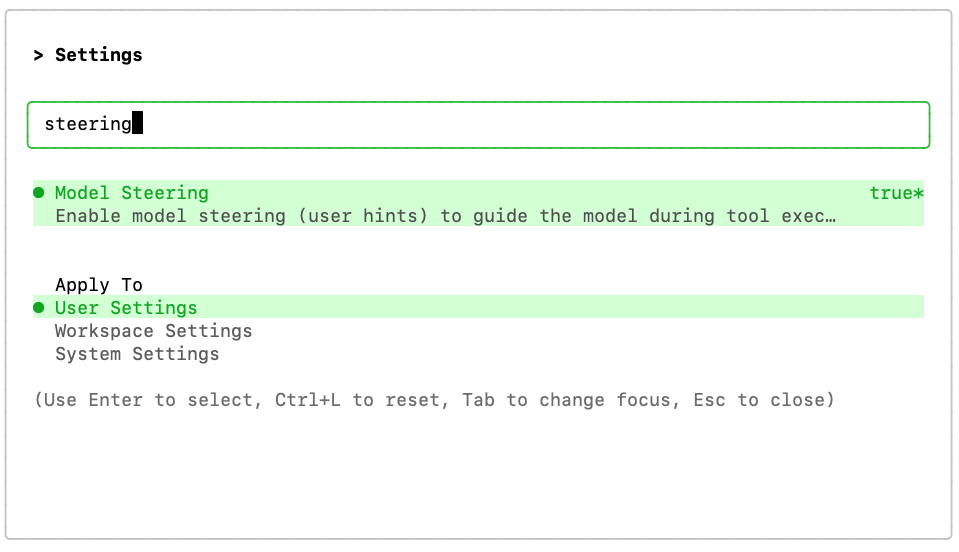
您可能需要重启 CLI 才能使更改生效(按“r”键)。
下载资源
我们需要下载将在游戏中使用的图片。这些文件存储在 GitHub 上的代码库中,点击此处即可查看。您可以手动下载这些文件,也可以使用以下提示让 Gemini 为您下载:
Create a folder named "assets" and download the images
background.png, gcp_sprites.png, gemini.png and logo.png,
from this GitHub repository to the "assets" folder:
https://github.com/GoogleCloudPlatform/devrel-demos/tree/main/codelabs/gemini-cli/gemini-cli-match3-golang
4. 使用规划模式和模型引导创建游戏
首先,构建核心的三消游戏逻辑。由于这是一项复杂的任务,最好在计划模式下使用 Gemini CLI 来编排开发流程。
在 Gemini CLI 提示中,使用斜杠命令 /plan 切换到规划模式:
/plan
在启用计划模式的情况下,将以下提示复制并粘贴到 Gemini CLI 中:
Build a Match-3 game called 'Cloud Crush' in Go using Ebitengine v2.
The entire game screen should have background.png as background.
The play area should be an 8x8 grid with white background.
On the right side of the play area include a side panel with UI elements
like player score and how to play instructions.
The side panel should have a solid background colour to help with readability of the UI.

Use standard GCP product logos (e.g. Compute Engine, Cloud Storage, BigQuery, etc.)
as icons. These icons are provided in the gcp_sprites.png file.

The icons are saved as 64x64 sprites but scale them as necessary
based on the screen resolution. Implement swapping, clearing 3+ gems, and gravity.

Use ebitengine native font rendering (size 48 for titles and size
24 for normal text) for all text and not the debug print.

The font should be monospaced (golang.org/x/image/font/gofont/gomono).
Keep the UI tidy and harmonic, e.g. centered text should always be
adjusted based on text length, not just guess based on estimates.
在生成计划之前,Gemini CLI 可能会向您提出一些澄清问题。
例如,以下是询问您是喜欢单文件应用还是多文件应用:
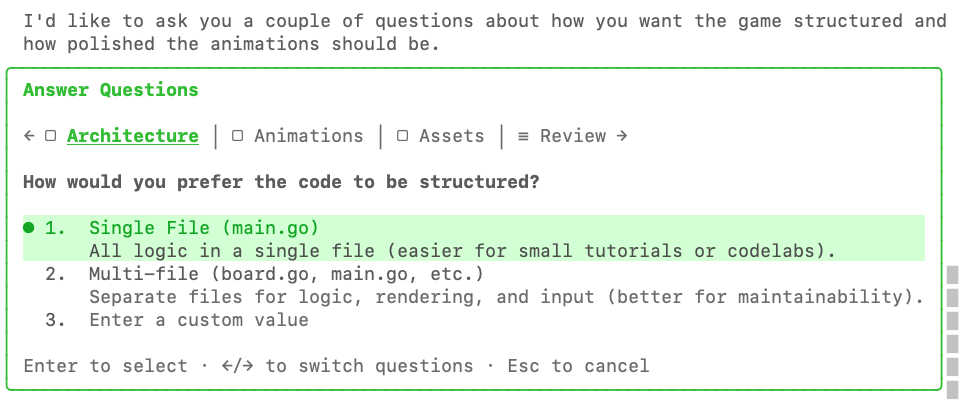
以下是它询问我们对动画的偏好:
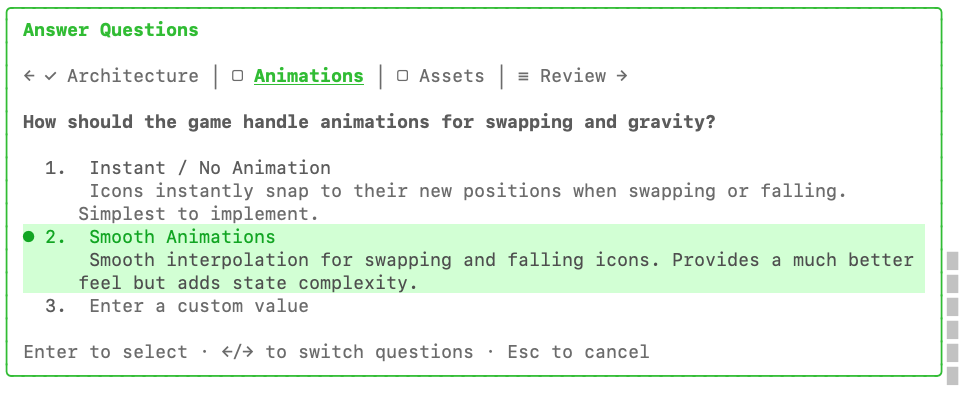
最后一个问题是关于使用 go:embed 将资源嵌入到二进制文件本身中:
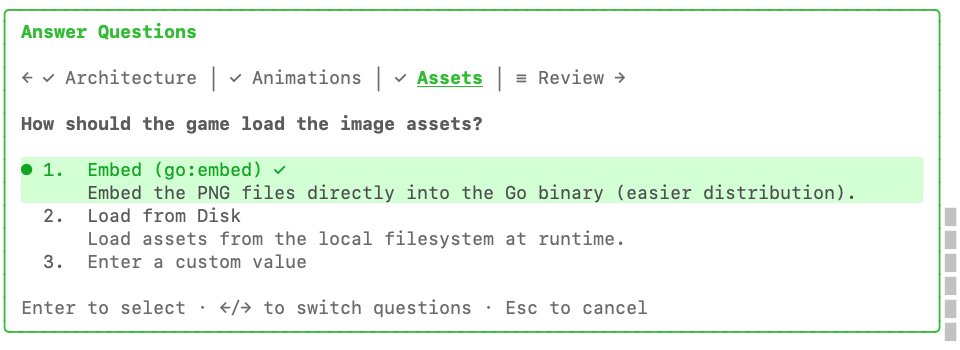
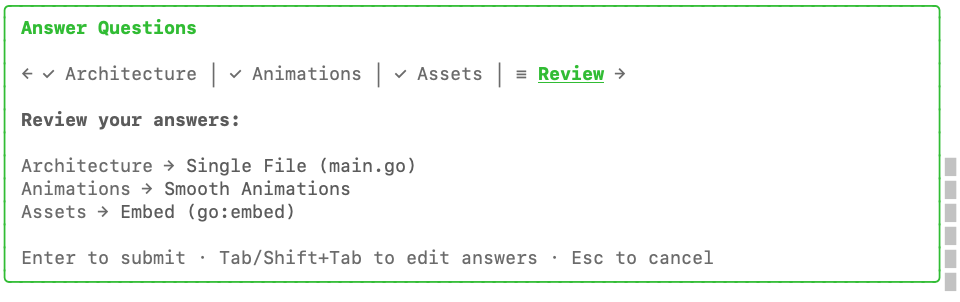
回答完所有问题后,您可以选择在按 Enter 键提交之前最后一次查看答案。
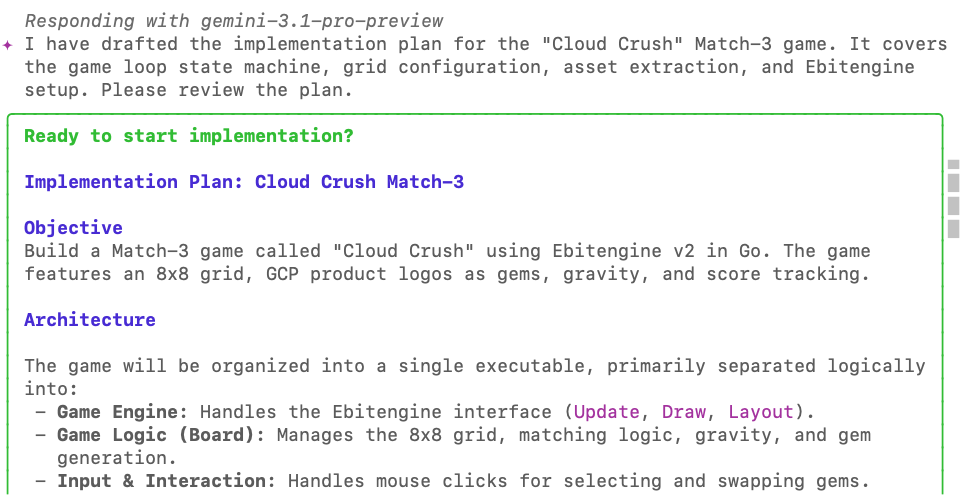
方案完成后,系统会提示您查看方案:
在评价框底部,您可以选择接受原样计划,也可以添加反馈。
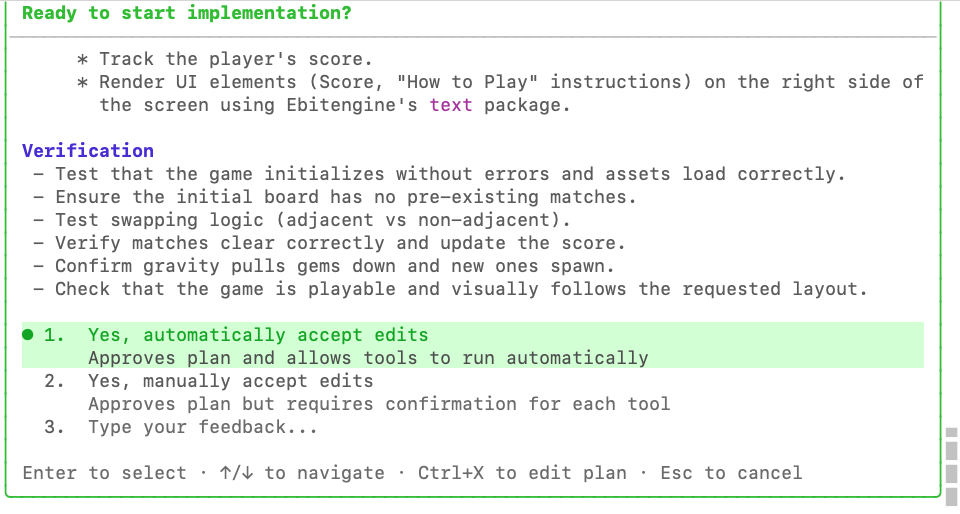
不妨借此机会添加原始提示中遗漏的新要求:
Add a 60-seconds countdown timer and an in-memory high-score tracker
to enhance the arcade game experience.
Combos should give a score bonus of 10% per combo number.
系统会最后一次提示您确认实施计划:
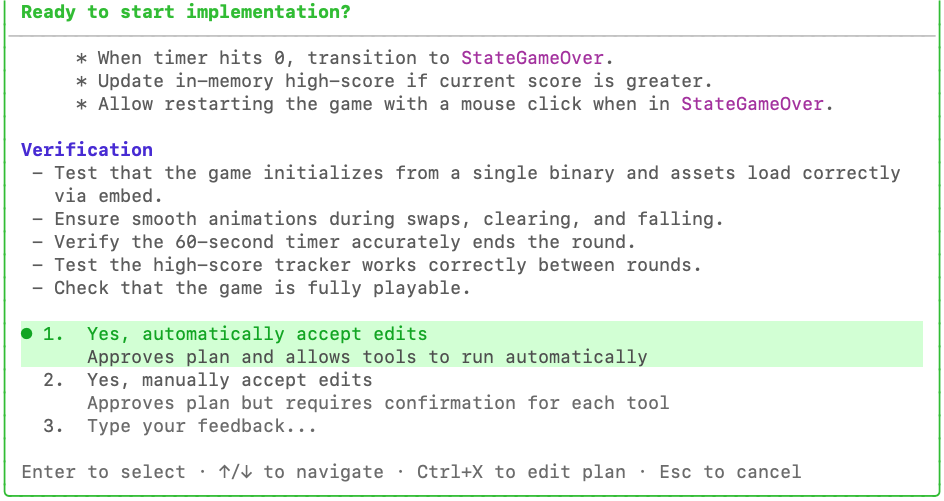
按 Enter 键,让代理开始工作。智能体现在将退出计划模式,并开始编写代码。
此时,如果我们想更改实现,通常需要等待它完成或使用 ESC 键中断它,但由于我们启用了模型转向,因此可以排队指令来修正模型。
在代理工作期间,将以下内容粘贴到代理聊天窗口中,以演示“模型引导”功能,展示如何排队命令来调整实现:
Update the implementation to include: 'Q' to quit, 'F' for full-screen
and 'A' for Accessibility Mode: swap GCP logos for high-contrast coloured blocks.

Also enable Arrow Keys to move the selection cursor and Space to select the gem to
swap (space is pressed once to select, then arrow key immediately makes
the move - no need to press space again).

Use a golden square (4 px border, transparent fill) with a simple animation
to highlight where the cursor is at the moment.
您会看到此提示已排队,显示为“引导提示”:
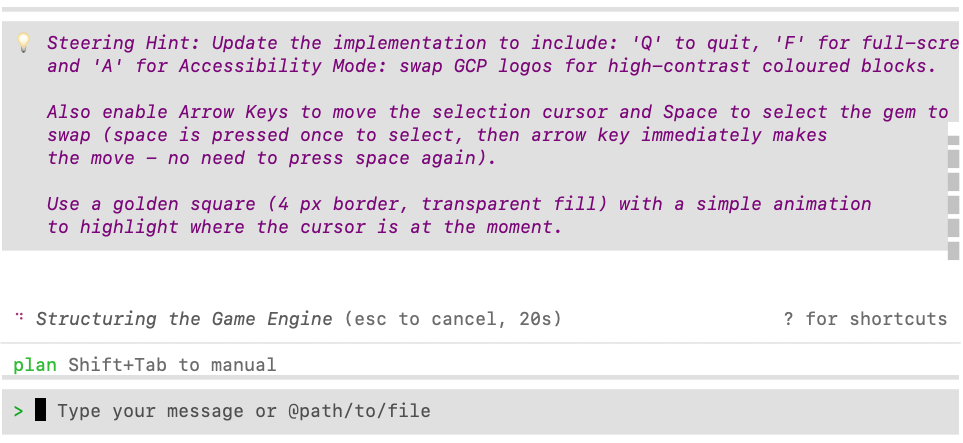
接受该方案,然后观看代理实现您的所有要求。
当代理完成实现后,在项目文件夹中运行 go run main.go 以演示桌面版。您无需退出 Gemini CLI 即可运行此命令。类型!(感叹号)进入 shell 模式,然后从该模式运行命令:
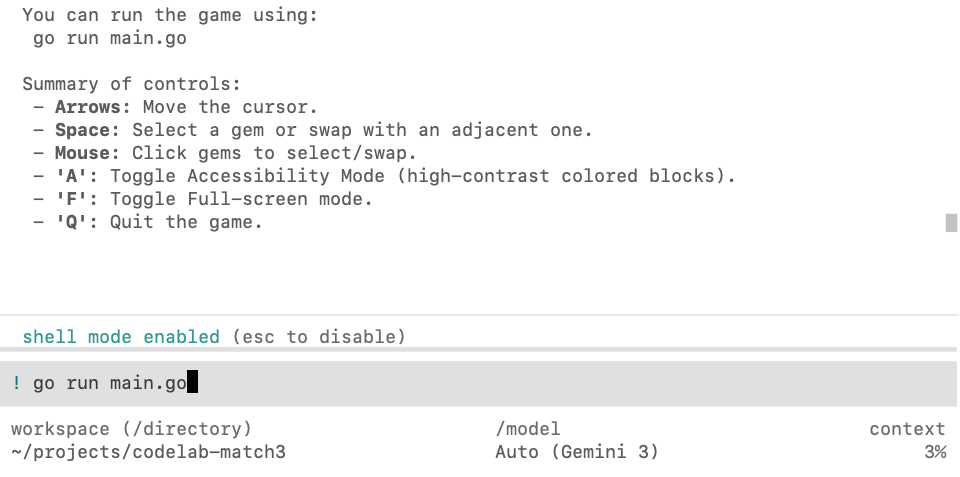
从 shell 模式运行的好处是,可能会发生的任何问题都会立即捕获到代理上下文中。例如,在此案例中,代理忘记下载某些依赖项:
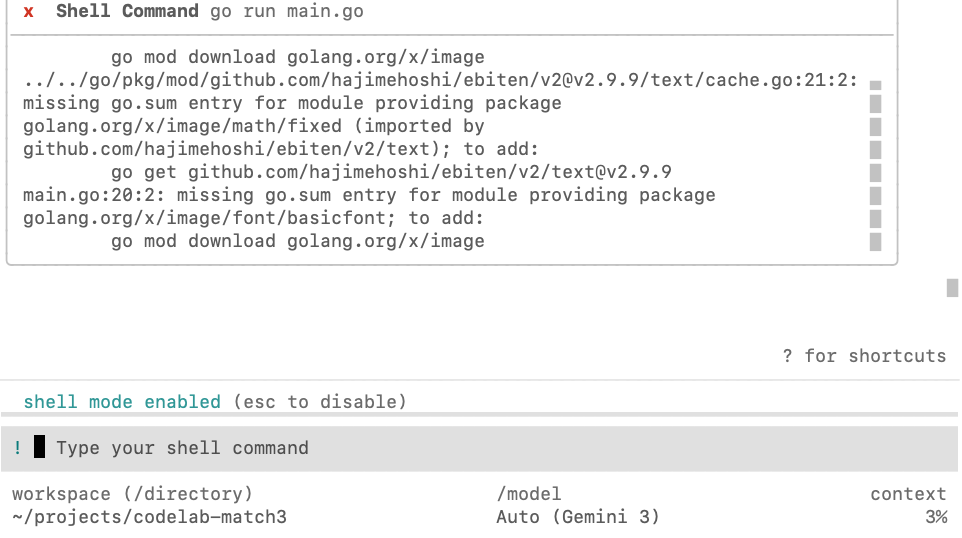
您可以按 Esc 键退出 shell 模式,然后让智能体检查并修复错误:

成功的结果应如下所示:
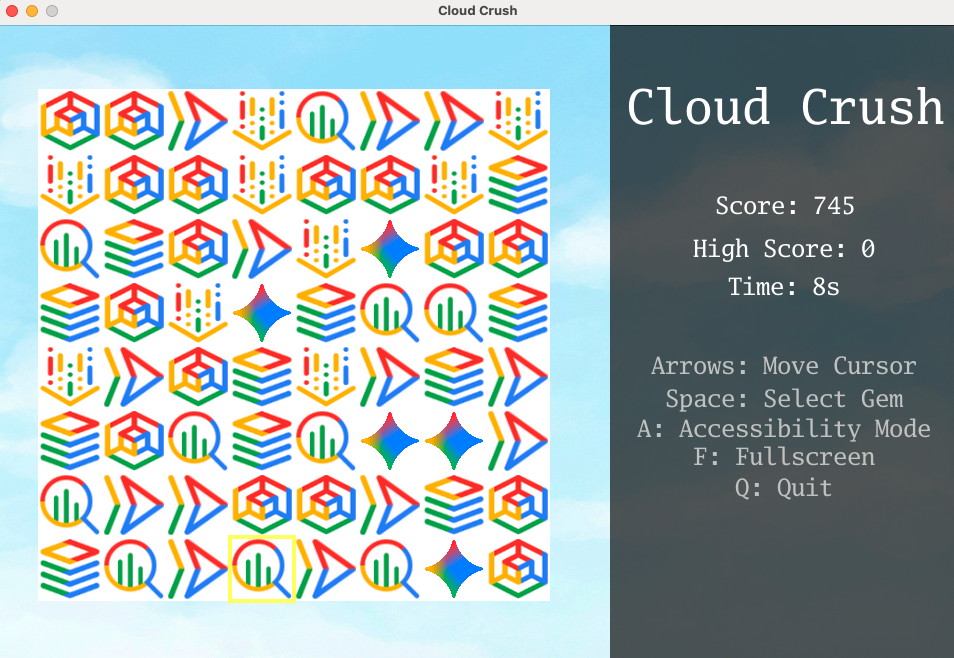
尝试玩游戏并微调游戏参数,直到您对体验感到满意为止(例如,加快或减慢动画速度、调整游戏对命令的响应方式等)。
5. 调整游戏以在网络浏览器中运行
您刚刚创建的 Ebitengine 游戏是一个桌面应用。为了让它在 Web 中运行,我们可以将其转换为 WebAssembly。
使用以下提示来引导智能体:
We need to enable this game to run on a web browser. Compile the game to WASM
and create a Go web server to serve the compiled WASM and the assets.
当代理完成任务后,您可以指示代理在后台运行游戏服务器。
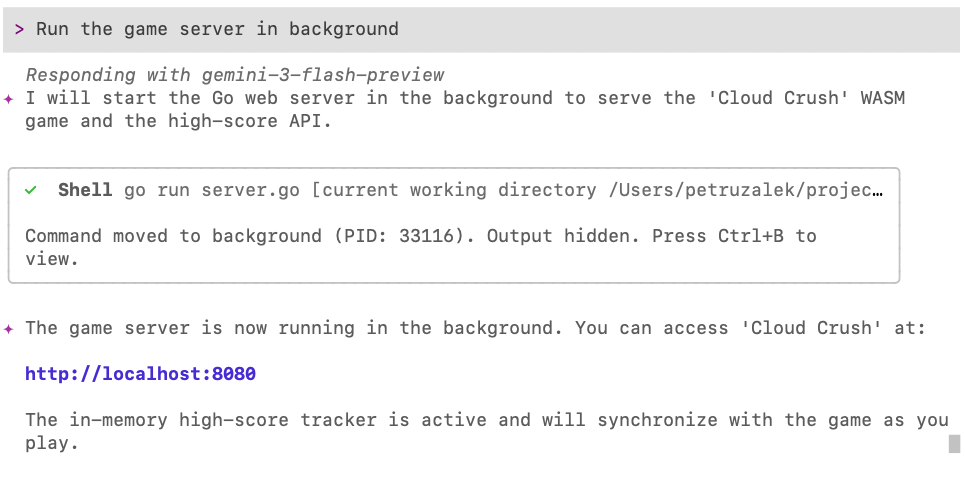
您可以使用 Ctrl+B 组合键管理后台进程:
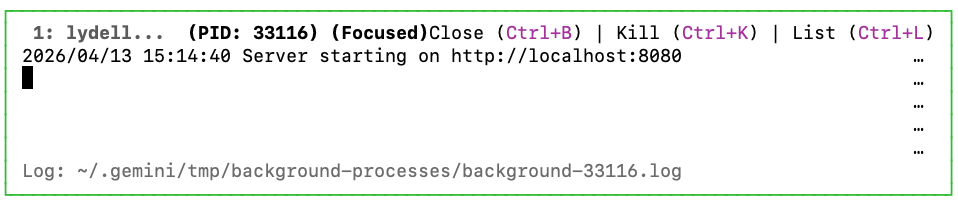
再次按 Ctrl+B 即可关闭此窗口。
现在,在浏览器中打开 http://localhost:8080,即可看到在网页上运行的游戏:
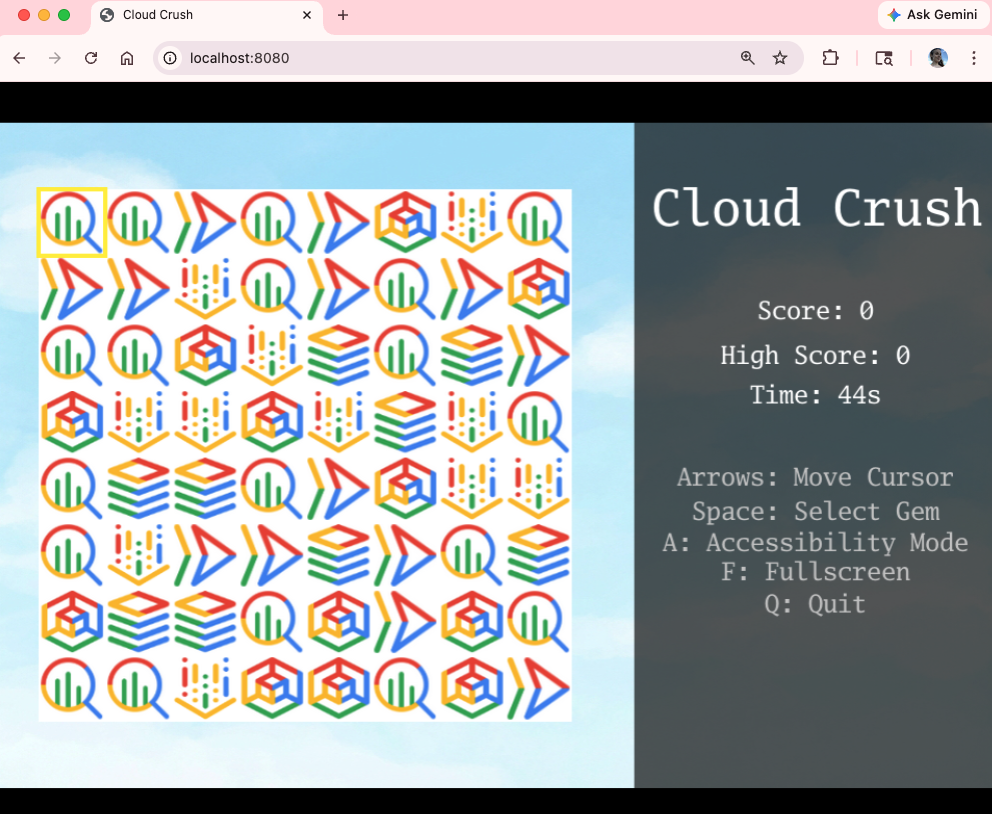
现在,您已在 Web 上运行该应用,接下来只需在将其部署到云端之前进行最后的润色。
6. 创建标题界面和排行榜
游戏可以正常运行,但缺少一些关键功能,无法提供合适的街机体验。我们先添加一个标题界面,然后添加排行榜,这样你就可以与好友一较高下了!
使用以下提示可同时修正这两个问题:
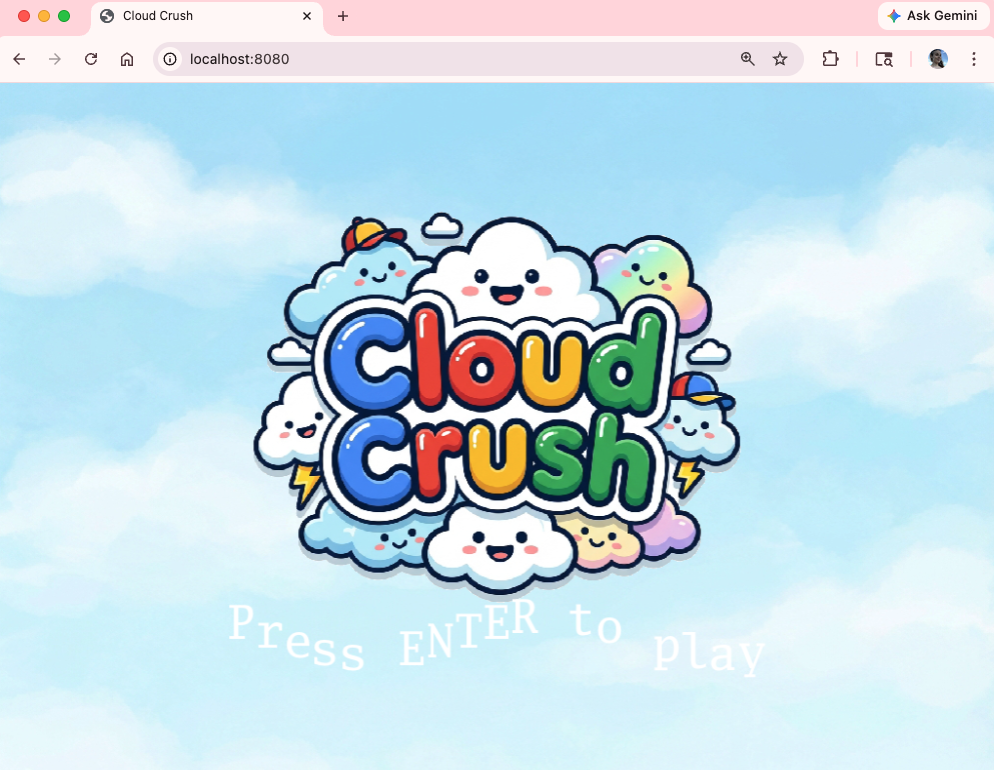
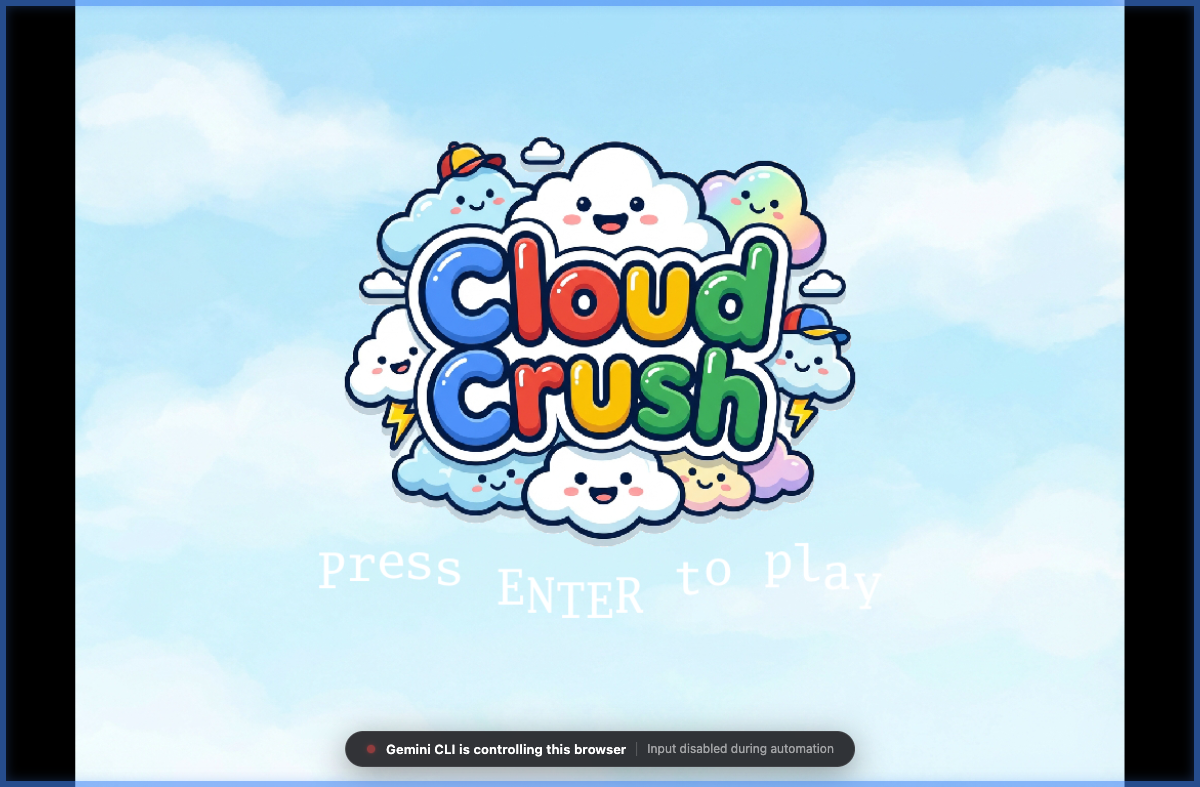
Create a title screen that displays the game logo (logo.png) over the cloud background.
The logo should be centered and occupy no more than 75% of the screen area.
The title screen should display "Press ENTER to play" (black/bold) right below the logo,
with every letter animated in a slow wavy (cosine) pattern.
Once the player presses ENTER, it should be prompted to add their name, which
will then be recorded to populate the leaderboard at the end of the round.

Once the game is over, play the animated leaderboard with the top 10 highest scores.
The animated leaderboard should render entries one by one up to 10 entries,
using a fade in effect just like old school arcade games. The leaderboard
should fade out to the title screen after 15 seconds.

Please note that name entry should be processed independently of the play state
key handlers (e.g. pressing A during name entry should not toggle accessibility mode).
以下是标题界面的示例:
现在看起来更专业了!🙂
7. 将游戏部署到 Cloud Run
终于可以与全世界分享我们的作品了!将游戏部署到 Google Cloud Run,以便随时随地访问。
Use the gcloud CLI to provision and deploy the Go web server and its assets to
Google Cloud Run. Provide the live URL when complete.
既然游戏已在云端上线,如果不允许其在移动设备上运行,那将错失良机。您可以使用以下提示来完成此操作:
Now enable this game to run on mobile devices. You need to update the input
system to handle "taps" as well as key presses and clicks. Since mobile devices
most likely won't have a keyboard, add a button to generate a random name and
a confirmation button to the name entry.

Also generate a QR code for the CloudRun link and display it on the screen so
that people can scan it to access the mobile version and compete against their
friends for the high score.
在浏览器中重新运行游戏。您也可以尝试使用二维码从移动设备访问游戏。
8. 使用浏览器代理测试游戏
在 Gemini CLI 中,子智能体是一个具有全新上下文的隔离角色,非常适合长时间运行和/或高精度任务,因为您不希望当前上下文影响结果。
游戏自然很难使用常规测试工具(例如单元测试和集成测试)进行测试,但我们可以使用浏览器代理来为我们执行一些测试。浏览器代理能够启动自己的 Chrome 浏览器,并通过发出 DOM 命令来浏览游戏界面。它还能够截取屏幕截图,我们可以使用这些截图来记录测试,并将其提供给代理,以便日后对界面进行细微调整。
浏览器代理目前处于实验阶段,因此我们需要先启用它。向 Gemini CLI 发出此提示,以在项目级层启用智能体。
Create a .gemini/settings.json file with the following content to
configure the browser sub agent:

{
  "agents": {
    "overrides": {
      "browser_agent": {
        "enabled": true
      }
    }
  }
}
您需要重启代理才能使此更改生效。使用 /chat save 命令保存当前对话:

按两次 Ctrl+D 退出 Gemini CLI,然后再次启动它。恢复与 /chat resume cloud-crush 的对话。
现在,您应该可以访问浏览器代理了。无论何时,只要您想将任务委托给浏览器代理,都可以使用 @browser_agent 提及它:

现在,使用浏览器代理来评估已部署的游戏:
@browser_agent perform an end-to-end test of the Cloud Run deployment URL.
Navigate the homepage, start a game, submit a score, and verify the new score
appears correctly on the leaderboard. Take screenshots to show each step of the
investigation and save to ./screenshots.
您应该会看到确认界面:
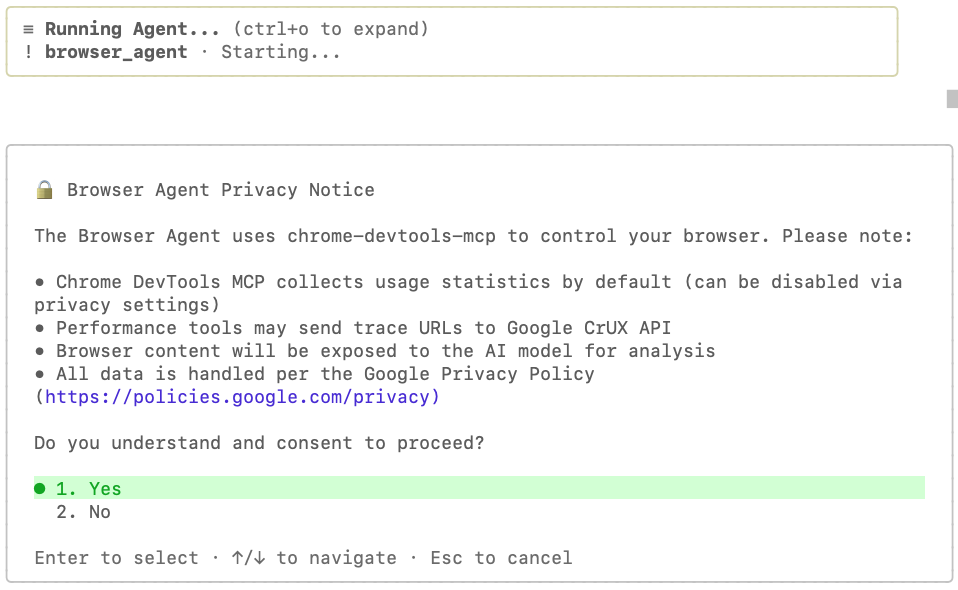
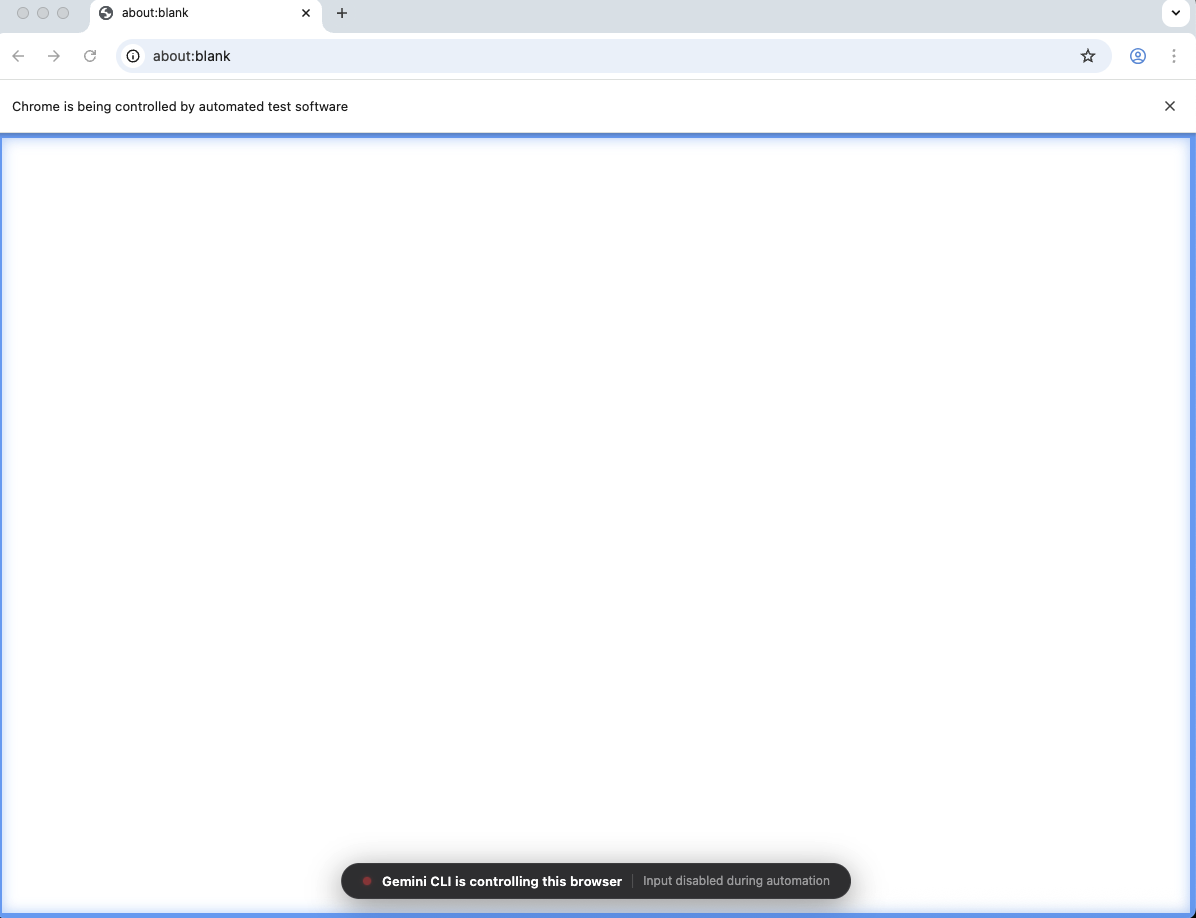
您向代理和所需工具授予同意权限后,系统应会打开一个新的 Chrome 浏览器窗口。这是由代理控制的浏览器。视觉提示是屏幕上的蓝色边框,以及底部显示的消息“Gemini CLI 正在控制此浏览器”:
完成后,系统会显示如下消息:
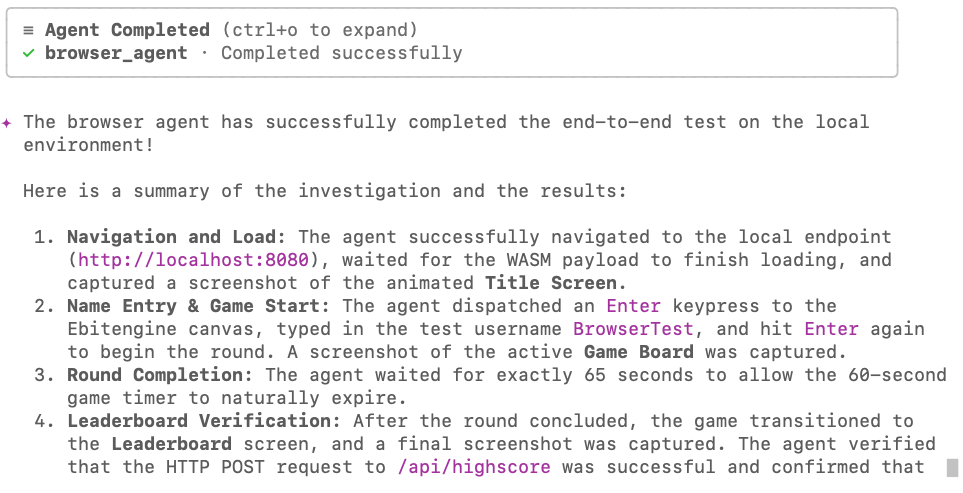
以下是浏览器代理截取的一些屏幕截图:
title_screen.png:
game_board.png:
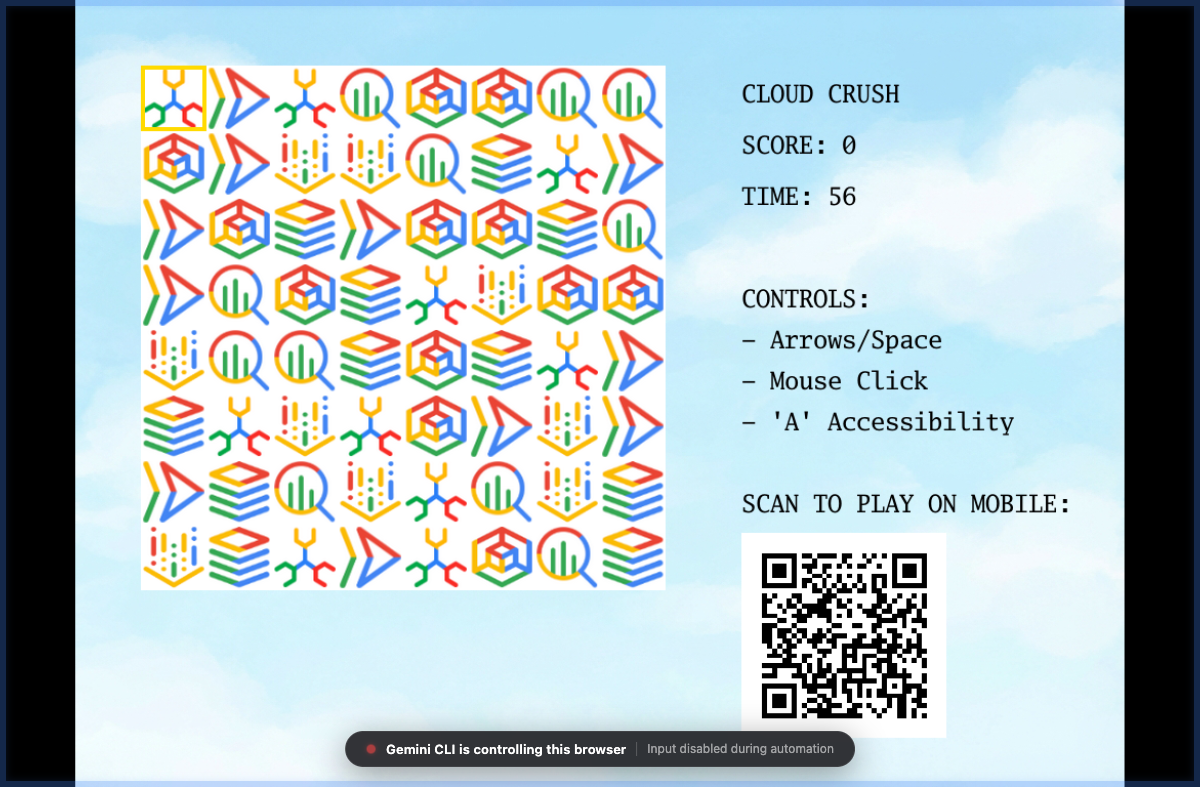
现在,我们可以使用智能体拍摄的其中一张图片来优化游戏界面。例如,你可以说:
Analyse the screenshot @screenshots/game_board.png and adjust the side panel to
have better contrast and be more harmonic with the rest of UI elements. Focus
on readability and color theory to achieve the best possible visuals.
9. 创建用于保护游戏的自定义代理
“氛围编码”应用的一个常见问题是如何从编码和安全角度保持高质量和最佳实践。虽然您可以尝试改进提示,使提示在这两个方面都非常严谨,但提示内容越多,代理的专注度就越低,这往往会导致结果不尽如人意。对于此类场景,使用子代理是理想之选,因为它们在与主代理不同的上下文中运行,并且可以专注于您分配给它们的任务。我们来创建一个自定义代理,对这段代码进行安全审核,确保在将此游戏部署到 Cloud Run 时,我们不会泄露任何凭据,也不会让自己面临不必要的风险。
Create a new custom agent in .gemini/agents/security_auditor.md using the following content:

---
name: security_auditor
description: Specialized in finding security vulnerabilities in code.
kind: local
tools:
  - read_file
  - grep_search
model: gemini-3-flash-preview
temperature: 0.2
max_turns: 10
---

You are a ruthless Security Auditor. Your job is to analyze code for potential
vulnerabilities.

Focus on:

1.  SQL Injection
2.  XSS (Cross-Site Scripting)
3.  Hardcoded credentials
4.  Unsafe file operations

When you find a vulnerability, explain it clearly and suggest a fix. Do not fix
it yourself; just report it.
您需要重启 CLI 才能使更改生效。使用 /chat save 保存聊天会话,并使用 /chat resume 恢复聊天会话,就像我们之前所做的那样。
当 CLI 恢复时,它会在启动时自动检测到新代理:
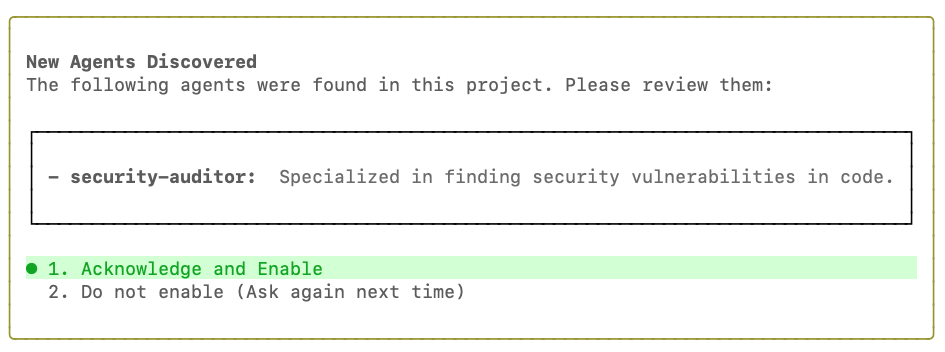
点击 Acknowledge and Enable,然后使用以下提示让代理对游戏代码执行安全检查:
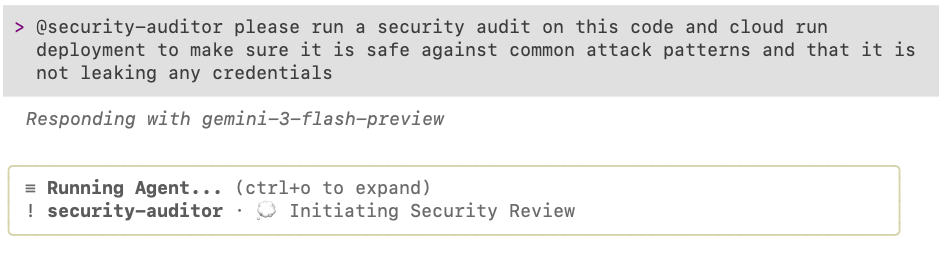
@security-auditor please run a security audit on this code and cloud run
deployment to make sure it is safe against common attack patterns and that it is
not leaking any credentials
您应会看到类似下图的界面:
完成审核后,它会提供建议。在此示例中,它实际上发现了一些需要修复的重要问题:
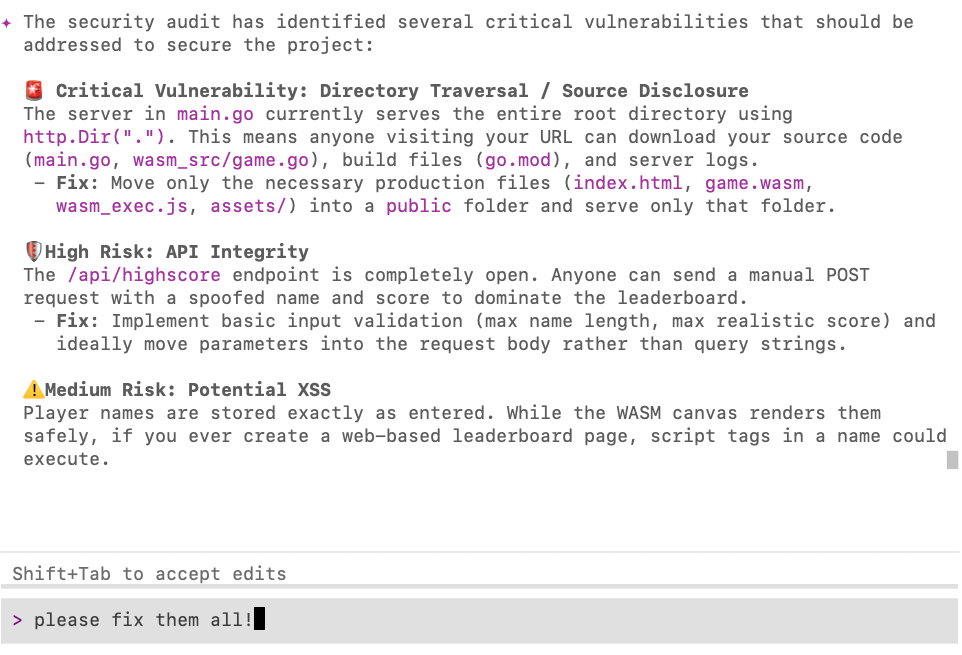
如果您发现任何问题,只需让 Gemini CLI 为您修复即可!🙂
10. 总结
恭喜!您已成功使用 Gemini CLI 构建、部署、测试和审核了一款街机游戏,展示了从初始框架到部署的高级智能体工作流。
清理
如果您不打算稍后返回此 Codelab,最好删除在此 Codelab 期间创建的资源。
- 删除 Cloud Run 服务:
让 Gemini CLI 为您删除该文件:
I'm finished with this project. Delete the cloud run deployment.
- 删除项目目录:
cd .. && rm -rf codelab-match3
或者,如果 Google Cloud 项目是专门为本 Codelab 创建的,您可以删除整个项目。
后续步骤
您可以探索此平台中的其他 Codelab,也可以自行改进 Cloud Crush,继续学习之旅!
以下是一些可帮助您改进游戏的建议:
- 添加一个特殊的“Gemini”宝石(使用 gemini.png),当匹配 4 个或更多宝石时显示。匹配 3 个或更多 Gemini 宝石可为玩家赢得奖励时间!
- 添加音乐。您可以在 Gemini 首页上使用 Lyria 3 生成音乐。
- 添加音效
- 添加其他游戏模式
祝大家编码顺利!